 point.com
C Editors
A programmer can use many compilers for C and C++ languages.
To write your C program to use the text editor. Few examples of text editors such as Windows Notepad, OS Edit command, vim or vi and etc
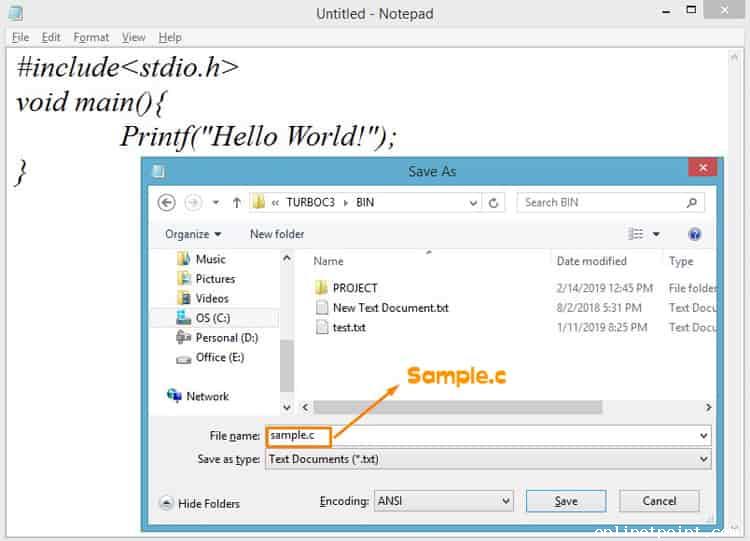
Write C program in notepad and save as extension ".C".
Before writing your C program to use one of the text editor and save the source code with the ".C" extension then compile it and execute it.
How to install Turbo C++ software
Step 1: Download Turbo C++ software.
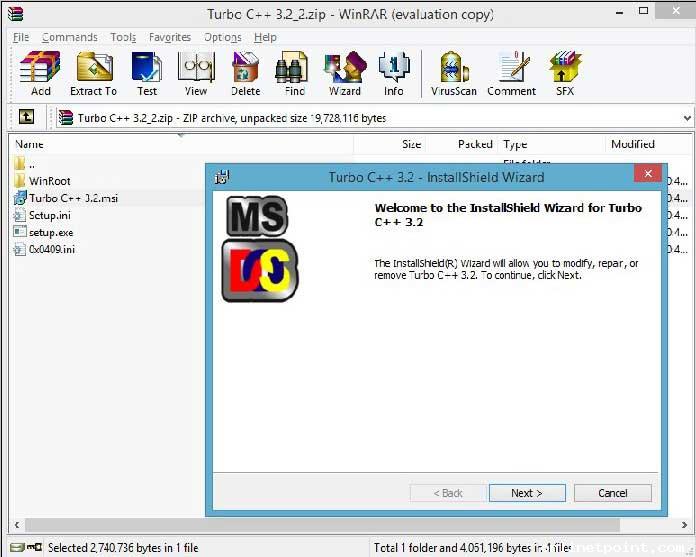
Step 2: Unzip the turbo C++ 3.2.zip file and install the Turbo C++ 3.2.msi.
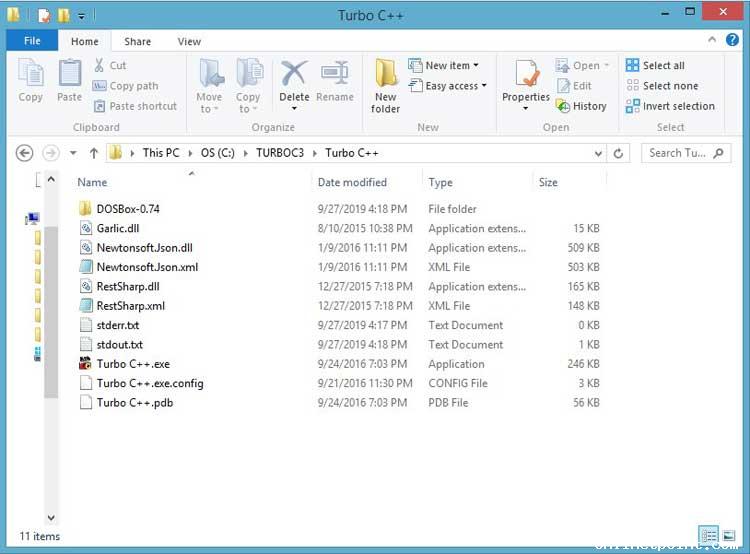
Step 3: After installation open Turbo C++.exe file in Drive C:\TURBOC3\Turbo C++\Turbo C++.exe.
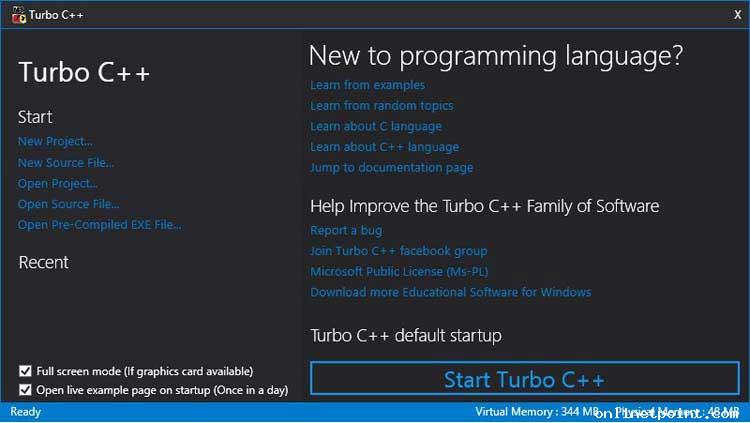
Step 4: Click Start Turbo C++ button.
Step 5: Write Simple C program in turbo c++ console.
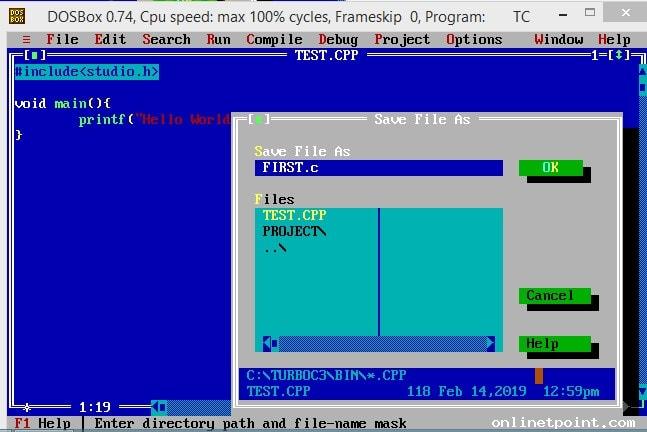
Step 6: Save your program as filename.c extension and Run it.
Quickly Find What You Are Looking For
OnlineTpoint is a website that is meant to offer basic knowledge, practice and learning materials. Though all the examples have been tested and verified, we cannot ensure the correctness or completeness of all the information on our website. All contents published on this website are subject to copyright and are owned by OnlineTpoint. By using this website, you agree that you have read and understood our Terms of Use, Cookie Policy and Privacy Policy.
Color Picker
