 point.com
HTML Headings(<h1> to <h6>)
HTML headings create titles and subtitles within web page documents. They are important for:
- Content hierarchy
- SEO (Search Engine Optimization)
- Accessibility
Syntax
<h1>
<h2>
<h3>
<h4>
<h5>
<h6>
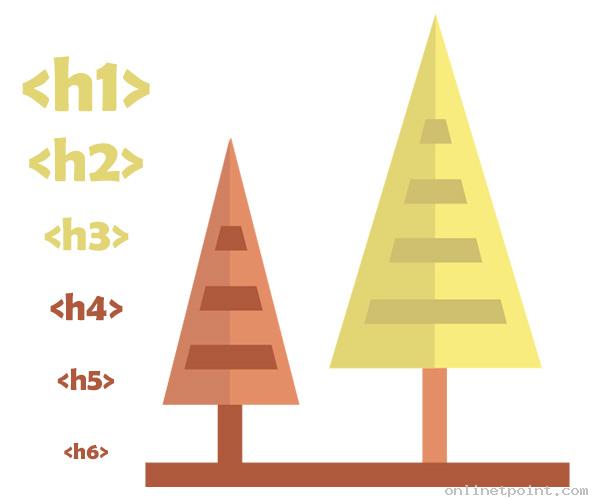
Tags and Hierarchy
| Tag | Importance Level | Size (Default) |
|---|---|---|
| <h1> | Most important heading | Largest text |
| <h2> | Second-level heading | Smaller than <h1> |
| <h3> | Third-level heading | ... |
| <h6> | Least important heading | Smallest text |
Example
 <h1>Blog Title</h1>
<h2>Introduction</h2>
<p>This section introduces the topic.</p>
<h2>Main Content</h2>
  <h3>Part 1: Basics</h3>
  <h3>Part 2: Advanced</h3>

<h2>Conclusion</h2>
<p>Final thoughts.</p>

- Use only one <h1> per page (main title)
- Use headings in hierarchical order (<h2> inside <section> under <h1>, etc.)
- Don’t skip levels unnecessarily (e.g., avoid jumping from <h1> to <h4>)
Quickly Find What You Are Looking For
OnlineTpoint is a website that is meant to offer basic knowledge, practice and learning materials. Though all the examples have been tested and verified, we cannot ensure the correctness or completeness of all the information on our website. All contents published on this website are subject to copyright and are owned by OnlineTpoint. By using this website, you agree that you have read and understood our Terms of Use, Cookie Policy and Privacy Policy.
Color Picker
